Agentic analytics is a new type of website analytics that shows what AI agents – not people – do on your site: which agents visit, what they search for, which forms they submit and whether they reach checkout. Microsoft launched Agentic Analytics in Microsoft Clarity on 4 November 2026, available globally to all Clarity users, together with Ask Clarity and an expanded Brand Agents product.
For niche site owners and small online shops this is more than a curiosity. If customers start sending AI agents to compare, book and buy for them, a site that agents cannot use will lose sales without any visible error. This guide explains what Agentic Analytics shows, how to start, and what to fix first.
What is agentic analytics?
Classic analytics tools such as Google Analytics 4 were built to measure humans: page views, sessions, clicks. AI agents behave differently. They open a page, read it, fill in fields and move on – often in seconds and without scrolling or hovering like a person would.
Agentic analytics separates this activity from human traffic and describes it in its own terms: which agent came, what task it attempted and whether the task succeeded.
Microsoft frames the change as three “webs” that now exist side by side, as described in its announcement Agents act, LLMs recommend, people browse:
- The human web – people browsing your site.
- The LLM web – people asking AI assistants for recommendations.
- The agentic web – AI agents that book or buy on behalf of people.
What Microsoft Clarity Agentic Analytics shows
According to Microsoft, the new Agent Activity dashboard shows:
| Data | What it tells you |
|---|---|
| Agentic traffic over time | Whether AI agents visit your site more or less often |
| Which agents visit | The supported AI agents that reached your pages |
| What agents do | Searches, form submissions, logins, downloads, appointment bookings and checkout |
| Simulation assessments | Whether an agent can complete a key task, how long it took, how many interactions it needed and where it struggled |
Microsoft says weekly sessions from AI agents in a Clarity analysis nearly doubled in three weeks to almost 2 million. Simulations start with commerce and travel scenarios, with more journey types planned.
One limit to keep in mind: the dashboard covers supported agents. It is not a complete list of every bot or automated browser that hits your site.
Ask Clarity and Brand Agents
Two other features were announced together with Agentic Analytics:
- Ask Clarity lets you ask a question about how people use your site in plain language. Clarity analyses your session recordings, heatmaps, funnels and events, tests possible explanations and links its findings to the relevant recordings, so you can check the evidence yourself.
- Brand Agents is a customer-facing assistant grounded in your product catalogue and policies. For eligible WooCommerce and Shopify merchants, products can also appear in Microsoft Copilot, Bing and MSN when shoppers ask AI for recommendations. For local businesses, Brand Agents can connect with booking and CRM tools such as Square, Jobber, HubSpot, Calendly, Housecall Pro and Salesforce.
How to start with agentic analytics
- Create a free Clarity account at clarity.microsoft.com and add your website as a project.
- Install the tracking code. On WordPress you can use Microsoft’s Clarity plugin or add the script through your theme or a header plugin.
- Connect Google Analytics if you use it, so you can compare Clarity sessions with your GA4 data.
- Wait for data. Agent activity appears only when supported agents actually visit your site.
- Open the Agent Activity dashboard and note which tasks agents attempt most often.
- Run a simulation assessment for your most important task – for a shop, usually checkout.
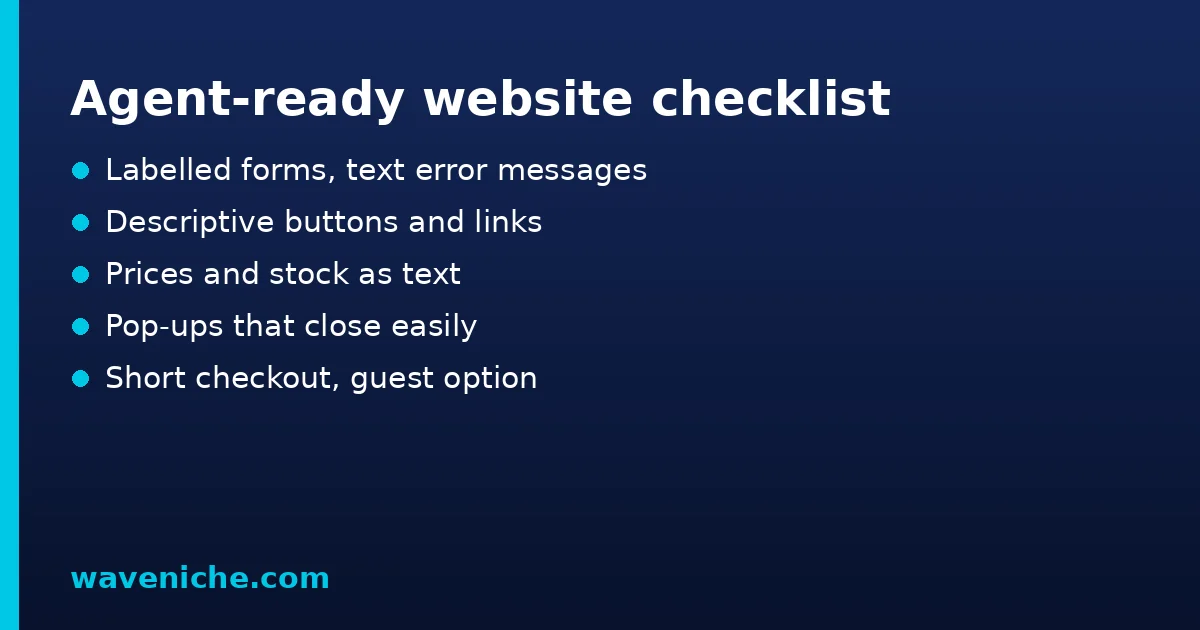
What to fix first: an agent-ready checklist
Agents read the page structure, not the design. The same basics that help accessibility and SEO make a site easier for agents:
| Area | Check | Why it matters for agents |
|---|---|---|
| Forms | Every field has a clear label; error messages are text, not only colour | Agents need to understand what to type and what went wrong |
| Buttons | Real buttons and links with descriptive text | “Click here” or icon-only buttons are hard to interpret |
| Prices and stock | Shown as text, not inside images | Agents compare offers from the page content |
| Pop-ups | Cookie and newsletter pop-ups can be closed easily | Blocking overlays can stop a task completely |
| Checkout | Few steps, guest checkout available | Every extra step is a chance for the agent to fail |
| Structured data | Product, offer and FAQ markup match the visible text | Helps machines understand the page – see structured data in SEO |
Much of this overlaps with accessibility requirements. Our European Accessibility Act checklist covers the same ground from the legal side.
Agentic analytics vs Google Analytics 4
Clarity does not replace your main analytics tool. The two answer different questions and work best together:
| Question | Google Analytics 4 | Clarity with agentic analytics |
|---|---|---|
| How many people visit and from where? | Main strength | Basic overview |
| What do visitors actually do on a page? | Events you configure | Session recordings and heatmaps |
| Which AI agents visit and what do they try? | Not designed for it | Agent Activity dashboard |
| Can an agent finish checkout? | No | Simulation assessments |
| Why do conversions drop? | Reports and explorations | Ask Clarity with linked recordings |
Privacy and consent
Clarity records sessions and uses cookies, so the usual privacy rules apply. If you have visitors from the EU, mention Clarity in your privacy and cookie policy, connect it to your consent banner so that tracking starts only after consent where required, and avoid recording sensitive fields such as passwords or payment details. Clarity masks some content by default, but you should check the masking settings for your own forms. Agent sessions do not change these obligations for your human visitors.
A practical tip: install Clarity on a staging or test copy first if your site has complex forms. You will see what is recorded before it touches real customer data, and you can adjust masking and consent settings calmly.
Agentic analytics for content sites, not only shops
If you run a blog or a niche information site, agents are less likely to buy something, but AI systems still read your pages to answer questions and recommend sources. For content sites the useful signals are different: which pages agents open, whether they reach your contact or newsletter forms, and whether your key information is available as text. Combine this with the Generative AI performance report in Search Console to see both sides – how often Google uses your pages in AI answers and how agents interact with them.
Common problems and fixes
| Problem | Likely cause | Fix |
|---|---|---|
| No agent activity at all | No supported agents have visited yet, or the tracking code is missing | Check the installation; give it time |
| Agents start checkout but do not finish | Complex forms, required account, blocking pop-ups | Simplify checkout; run a simulation to find the step |
| Simulation fails on a form | Missing labels or unclear errors | Add labels and text error messages |
| Agent numbers look different from server logs | Clarity covers supported agents only | Use logs and Clarity together, not as substitutes |
Is agentic analytics worth your time now?
For most small sites, agent traffic is still a small share of visits. The value today is preparation: knowing whether agents can use your site before they become a meaningful channel. Setting up Clarity is free and takes minutes, and the fixes it points to – clear forms, simple checkout, text-based prices – also improve the experience for human visitors and support SEO.
Summary
AI agents are becoming a new kind of visitor. Microsoft Clarity now shows which supported agents reach your site, what they try to do and whether they succeed, and it lets you test key tasks with simulations before real customers depend on them. Install Clarity, connect it to your consent banner, check the Agent Activity dashboard once a month and fix the basics it reveals: labelled forms, descriptive buttons, text-based prices, closable pop-ups and a short checkout. These fixes help people and search engines as much as they help agents.
Frequently asked questions
What is agentic analytics?
It is analytics that measures what AI agents do on a website – which agents visit, which tasks they attempt and whether they succeed – separately from human visitors.
When did Microsoft Clarity launch Agentic Analytics?
Microsoft announced it on 4 November 2026 as available globally to all Clarity users, together with Ask Clarity and expanded Brand Agents.
Does Clarity detect every AI bot?
No. The Agent Activity dashboard covers supported AI agents, so it is not a complete list of every automated visitor.
What are simulation assessments?
Tests that show whether an AI agent can complete an important task on your site, how long it takes, how many interactions it needs and where it struggles. They start with commerce and travel scenarios.
Is Microsoft Clarity free?
Microsoft offers Clarity as a free analytics tool. Check the current terms on the Clarity website before you start.