On-page SEO is everything you optimise on the page itself so that search engines understand it and people find it useful: the content, title, headings, meta description, URL, images, internal links and structured data. It is the part of SEO you fully control, and for a small niche site it is usually where the biggest gains come from.
This guide brings together everything you need in one place: what Google says it looks for, a complete on-page SEO checklist, how to write titles and descriptions, how to structure an article, and the most common mistakes that keep pages out of the index.
What is on-page SEO?
SEO is usually split into three areas:
| Area | What it covers | Who controls it |
|---|---|---|
| On-page SEO | Content, titles, headings, meta description, URL, images, internal links, structured data | You, on each page |
| Technical SEO | Crawling, indexing, speed, mobile, HTTPS, sitemaps | You, site-wide |
| Off-page SEO | Links and mentions from other websites, brand signals | Partly others – see our guide to off-page SEO |
On-page SEO sits in the middle: it depends on a technically healthy site, and it determines whether the links you earn point to something worth ranking.
What Google says it looks for
Google publishes its own guidance, and it is the best starting point. The SEO Starter Guide and the page on creating helpful, reliable, people-first content repeat a few principles:
- Content made for people, not mainly to attract search traffic.
- Original information or analysis – something a reader cannot get from ten other pages.
- Clear expertise and trust: who wrote it, why they know the topic, where the facts come from.
- A good page experience on all devices (page experience).
- Descriptive text in titles, headings, links and image alt text.
Notice what is not on the list: keyword stuffing, exact word counts or tricks. On-page SEO today means making the page clearly the best answer to one search intent.
On-page SEO checklist
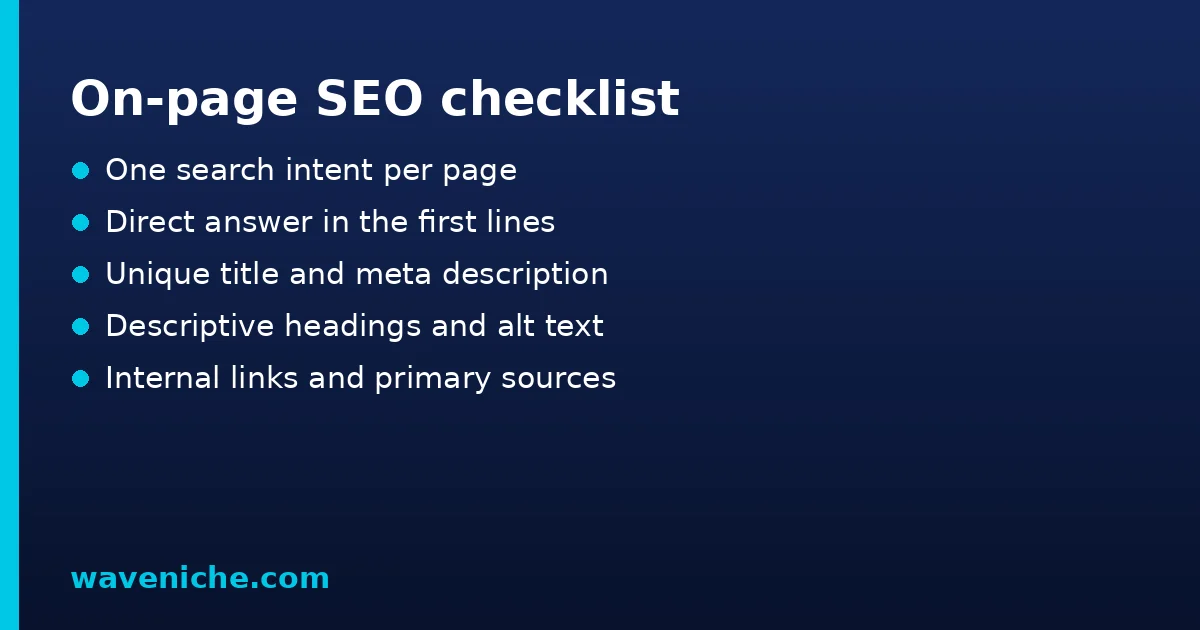
| Element | Best practice |
|---|---|
| Search intent | One main question or task per page; check what already ranks for the query |
| Title | Unique, descriptive, main topic near the start |
| Meta description | A short, specific summary that makes people want to click |
| URL | Short, readable words, no dates or numbers that will age |
| Introduction | Answer the main question in the first two sentences |
| Headings | One H1; H2 and H3 that describe each section, often as questions |
| Content | Original, accurate, up to date, with sources for facts and numbers |
| Images | Relevant, compressed, with descriptive alt text and file names |
| Internal links | Link to related guides with descriptive anchor text |
| External links | Link to primary sources: documentation, laws, studies |
| Structured data | Article, FAQ, Product or HowTo markup that matches the visible text |
| Freshness | Review important pages at least once a year |
How to write an SEO title
The title is the first thing a searcher reads. Google explains in its documentation on title links that it may rewrite titles that are too long, repetitive or not descriptive, so the goal is a title that Google has no reason to change.
- Put the main topic near the start.
- Describe the page honestly – the title must match the content.
- Keep it concise so it is not cut off in results.
- Make every title on the site unique.
- Add a reason to click: a number, a benefit or a clear format (“checklist”, “step by step”).
- Avoid years in titles unless you will update the page every year – an old year makes the result look outdated.
Example: instead of “SEO tips”, write “On-Page SEO: 12-Point Checklist for Blog Posts”.
How to write a meta description
The meta description does not directly change rankings, but it influences whether people click. Google may show it as the snippet or choose text from the page instead, as described in its guide to snippets. A good description summarises the page in one or two sentences, includes the main topic naturally and tells the reader what they will get. Write a unique one for every important page.
How to structure an article for readers and search engines
Most articles that fail do so not because of missing keywords, but because the structure makes them hard to read and hard to understand. Use this outline as a template:
- Direct answer – two sentences at the top that answer the main question.
- Definition – what the term or topic is.
- Why it matters – the problem the reader wants to solve.
- Steps or method – numbered, specific actions.
- Table or checklist – something the reader can save and reuse.
- Common problems – problem, cause and fix.
- FAQ – four or five real follow-up questions.
- Next step – a link to a related guide or a call to action.
This structure also helps AI search features use your page as a source; see AI Overviews SEO.
Keywords in on-page SEO: what still matters
Keywords still matter, but as a way to understand what people search for, not as a number to hit. Use the main phrase in the title, the first paragraph, at least one heading and the URL, then write naturally. Cover the related questions people ask instead of repeating the same phrase. Our keyword research guide shows how to find these questions.
Images and media
Google’s guide to image SEO recommends descriptive file names and alt text, placing images near relevant text, and using standard image formats. Compress images so they do not slow down the page – page speed is part of the experience. Read more in why site loading speed is important.
Internal links
Internal links help both readers and crawlers find related content. Google needs links in a crawlable form – standard HTML links with an href – as explained in making links crawlable. Use descriptive anchor text (“on-page SEO checklist” instead of “click here”) and link new articles from older, already indexed pages so Google discovers them faster.
Common on-page SEO mistakes
| Mistake | Why it hurts | Fix |
|---|---|---|
| Several articles on the same topic | They compete with each other; Google may index none | Merge them into one strong guide and redirect the old URLs |
| Thin, generic text | Nothing new compared to other pages | Add your own experience, examples, data and sources |
| Outdated years and facts | Looks abandoned to readers and search engines | Update facts; remove years from titles |
| Missing or duplicate titles | Google rewrites them; lower clicks | Unique, descriptive titles |
| No internal links to the page | Hard to discover and seen as less important | Link from related indexed articles |
| Keyword stuffing | Poor reading experience; against Google’s spam policies | Write naturally for the reader |
Why a page is crawled but not indexed
In Search Console you may see pages marked “Crawled – currently not indexed”. Google visited the page but decided not to include it for now. On small sites this most often means the page adds too little compared with what is already in the index, or that several pages on the site cover the same topic. The fix is rarely technical: improve or merge the content, add internal links from strong pages, and then request indexing in the URL Inspection tool. Our Google Search Console guide explains the reports.
A note from our own site
At Wave Niche we learned this the practical way: over the years we published several short articles on closely related SEO topics, and Search Console reported many of them as “crawled – currently not indexed”. Instead of adding more short posts, we merged them into this single guide and redirected the old addresses here. One complete, up-to-date page is easier for readers to use and easier for Google to understand than six partial ones.
On-page SEO workflow for a new article
- Choose one search intent and check the current top results.
- Outline the article with the structure above.
- Write the direct answer first, then the rest.
- Add sources, a table and an FAQ.
- Write the title, meta description and URL.
- Add images with alt text.
- Link to it from two or three related indexed articles.
- Publish, submit the sitemap and request indexing.
- Review clicks and queries in Search Console after a few weeks.
Frequently asked questions
What is the difference between on-page and off-page SEO?
On-page SEO covers what you change on your own pages – content, titles, headings, images and internal links. Off-page SEO covers signals from outside your site, mainly links and mentions from other websites.
What are the most important on-page SEO factors?
Helpful, original content that matches the search intent, a descriptive title, clear headings, internal links and a good page experience on mobile.
Does the meta description affect rankings?
Not directly, but a clear description can increase the share of people who click your result.
How long should an SEO article be?
As long as it needs to fully answer the question. Google does not have a preferred word count; depth and usefulness matter more than length.
Why is my page crawled but not indexed?
Usually because it adds too little compared with other pages or overlaps with other pages on your site. Improve or merge the content and add internal links.